REVIEW · VERONA
Verona: Digital Guide made by a Local for your walking tour
Book on GetYourGuide →Operated by Walking Cap · Bookable on GetYourGuide
Verona, but at your own pace. This self-guided walking tour uses a local-made digital guide to steer you past the city’s main sights, with food recommendations and little stories you can actually use while you’re walking. One thing to keep in mind: this is tech-first, so you’ll want a charged phone and working internet the whole time.
I like that it’s built for wandering, not rushing. You can decide how long to linger at each monument and even skip ahead to the next stop without feeling like you’re falling behind. The walk is about 4.5 km, and it’s doable for most people, but you should still wear comfortable shoes.
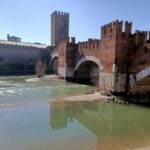
The route starts either at the place the tour suggests if you arrive by train, or at Museo di Castelvecchio if you’re already elsewhere. The tour ends back at the same meeting point, so you don’t have to solve the “now how do I get back” puzzle.
In This Review
- Key highlights at a glance
- Why a local-made digital guide works in Verona
- Price and time: the real value of a $7 self-guided tour
- Getting started: Castelvecchio (or the station) and your first click
- Walking the route: about 4.5 km without the sprint
- Monuments and the Verona audio bites
- Food chapter: where the local-style recommendations help most
- How the audio and text guide you (and help you stay oriented)
- Potential hiccups: wrong map pins and reloading audio
- Who this works best for (and who might not love it)
- Should you book this Verona Digital Guide by a Local? My call
- FAQ
- How long is the walking part?
- What do I need to use the digital guide?
- What languages is the audio guide available in?
- Where does the tour start and end?
- Can I enter the monuments during the tour?
- Is it wheelchair accessible?
Key highlights at a glance
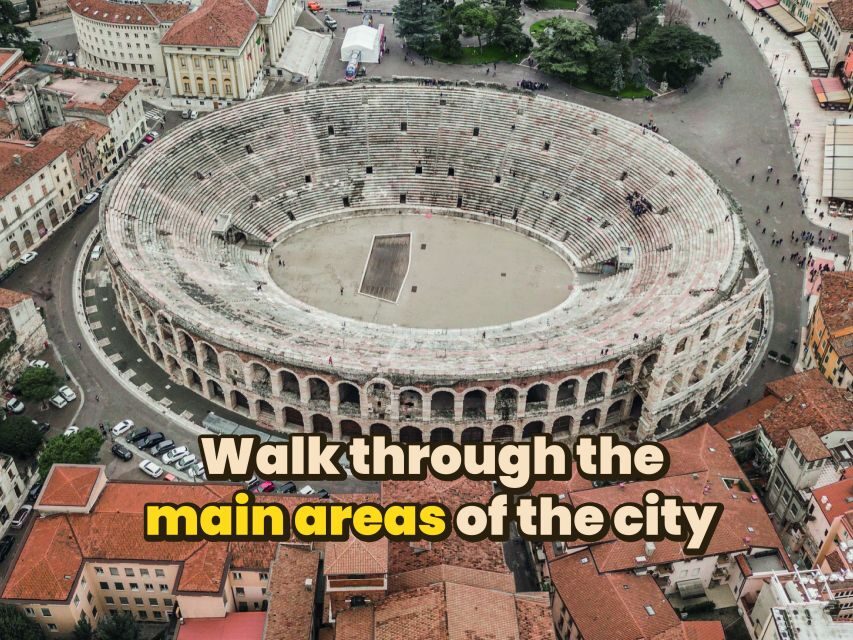
- Local perspective on monuments, legends, curiosities, and what people actually do in Verona
- Google Maps-connected route so you can tap your way from sight to sight
- Audio guide in ITA/ENG/ESP with short, easy-to-follow narration
- Freedom to linger at monuments at your pace (entrance fees not included)
- Food chapter with typical dishes and practical restaurant advice
- Works across time: valid for your booked day plus 2 extra days
Why a local-made digital guide works in Verona
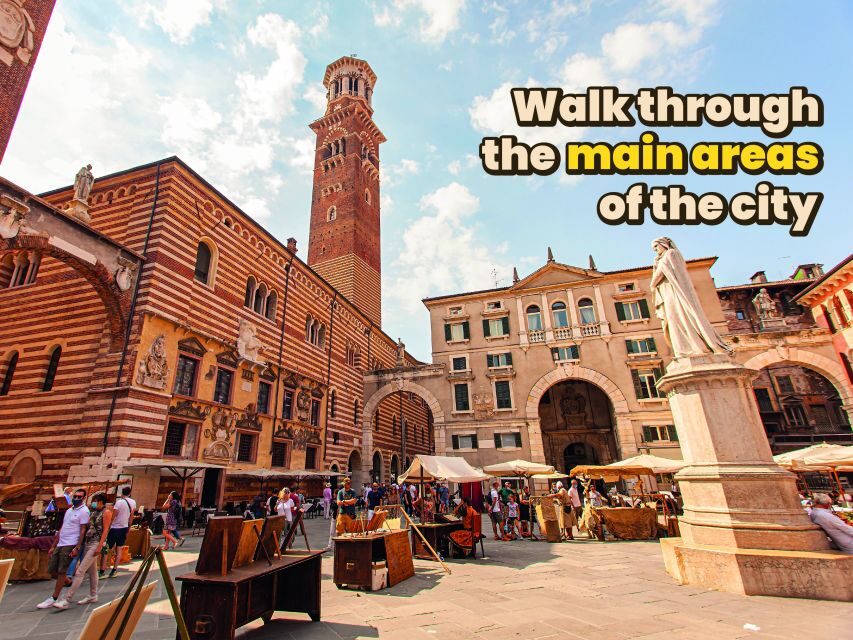
Verona is one of those cities where the big sights are close enough together that you can walk between them easily, but the streets are still confusing enough to make a rigid group tour feel stressful. This format fixes that mismatch.
Instead of following a live guide on a schedule, you’re using a digital itinerary that keeps you moving and informed while letting you choose what matters to you. The guide is built around what you can see and do on foot: the main monuments, the odd little curiosities, and the stories tied to the places you’re standing in front of. That matters in Verona, because small details are what turn a pretty facade into a real feeling for the city.
I also like that the guide isn’t only history dumps. It mixes monuments with THE FOOD side of the experience, including where to eat and what to order. If you’re the type of traveler who wants your day to end with a good meal, this kind of structure helps you plan without overthinking.
The practical payoff: you get a walking tour vibe without the pressure of timing. You can pause for a photo, read a few lines, or slow down because a street view is just too good to skim past.
You can also read our reviews of more walking tours in Verona

Price and time: the real value of a $7 self-guided tour
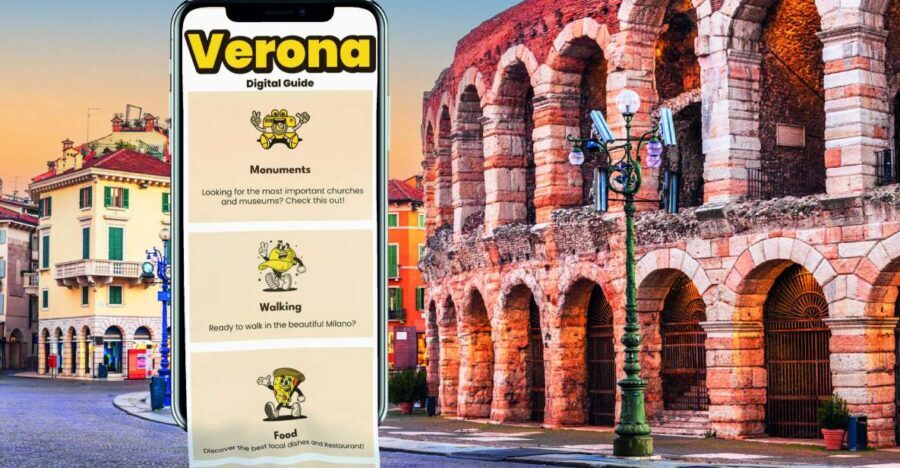
At $7 per person, this digital tour is priced like a casual add-on. But the value isn’t only the price tag. It’s the combination of things you would normally pay for separately:
- An audio guide (English included, plus Italian and Spanish)
- A route linked to Google Maps so navigation is part of the experience
- Monument tips, trivia, and curiosities
- Advice for local restaurants and typical dishes
If you were to buy a standard walking tour plus a separate guidebook-style resource, you’d likely spend more for less flexibility. Here, you’re paying for a day that you can stretch. After purchase, you can use it for the booked day plus 2 extra days, which is helpful if you want a second walk later or if you get delayed on day one.
The main “cost” is effort on your side: you need to carry your phone, and you need to keep it charged. But if you’re already traveling with a smartphone, that’s usually a non-issue.
Getting started: Castelvecchio (or the station) and your first click

Your starting point depends on how you arrive. If you come by train, the tour starts at the meeting point it designates for that arrival. If you’re not starting from the station, you can go straight to Museo di Castelvecchio.
That split is smarter than it looks. Verona’s center is walkable, but your arrival location changes where you begin your day. Starting near Castelvecchio can help you get into the historic flow faster, with less backtracking.
After you purchase, you get a link and password to start your experience. You can begin at any time once you’ve activated it, which is ideal if your schedule is messy (train delays, late breakfasts, or the classic problem of needing one more espresso before walking 4.5 km).
Tip for your first moment on the route: before you start walking, open the guide, load the map connection, and check the language setting. Once you’re moving, you don’t want to be juggling menus.
Walking the route: about 4.5 km without the sprint

The tour is designed around a walk of roughly 4.5 km. That distance is short enough that you can enjoy side streets, but long enough that the day should feel like a real “Verona on foot” outing.
The key benefit is pacing control. Unlike a timed group tour, you can stop when you want and you can move on when you’re ready. If you’re tired, you can cut the day shorter. If you find one stop more interesting than you expected, you can spend longer there. That freedom is a big reason this type of product lands well for independent travelers.
Also, the guide’s route is tied to Google Maps directions. So you’re not constantly scanning for the next turn. You’re mostly walking following the map prompts while the audio and text keep you oriented.
Just remember: your phone is your “tour guide,” so treat it like part of your kit. Keep brightness at a level you can read. Bring a small power bank if you have one.
Monuments and the Verona audio bites
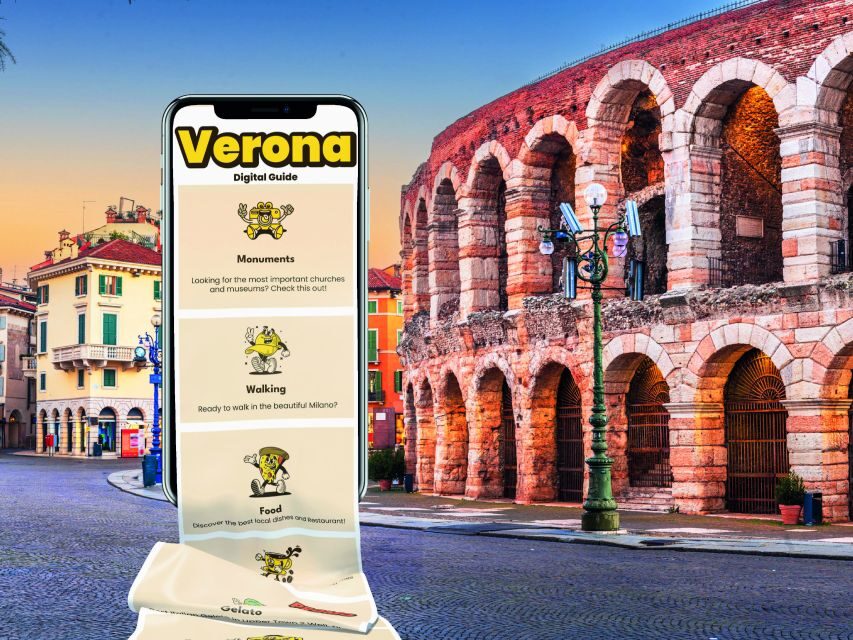
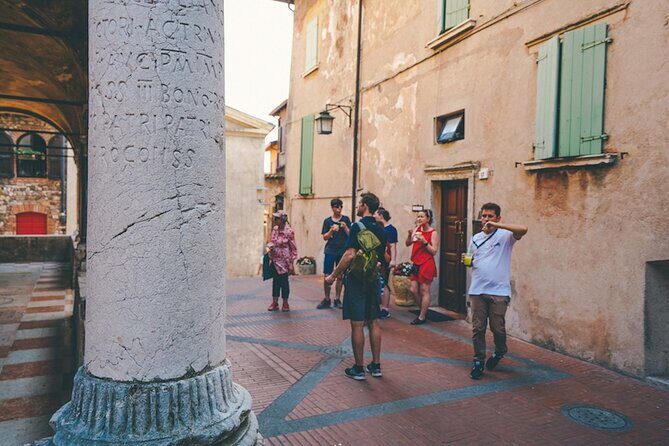
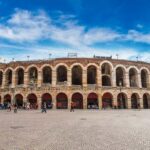
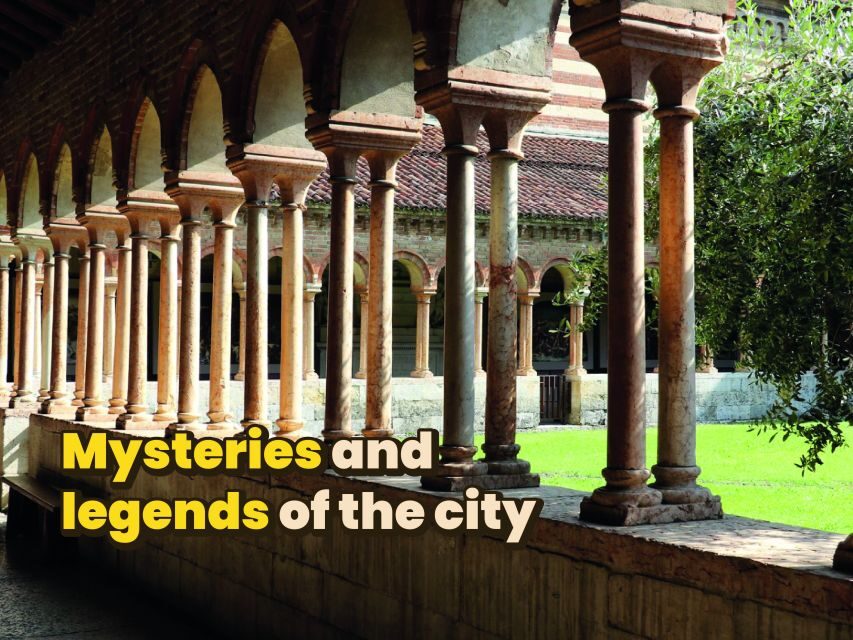
This digital guide is built around Verona’s main monuments, with narration that includes history, legends, curiosities, and anecdotes tied to people who know the city well. The goal is not to recite everything—it’s to give you the useful context while you’re looking at the building.
During the day, you’ll be directed to the major sights and at least one key stop is clearly part of the route: the Duomo area. In practice, that means the tour helps you get to the right part of town for the cathedral visit, not just a generic landmark overview.
Here’s how the monument experience is set up to work for you:
- The guide gives you stories and trivia as you move between points
- You can freely enter the monuments shown on the route (entrance fees are not included)
- You can spend as much time as you want, because the itinerary is self-paced
I like this model because it keeps the “why should I care?” question alive. Instead of staring silently at stonework, you’re getting short explanations that make the architecture and atmosphere feel less random.
Also, the audio is paired with written information. That matters when you’re in a spot that’s too windy or busy for good audio listening, or if you just prefer reading for faster comprehension.
You can also read our reviews of more guided tours in Verona




Food chapter: where the local-style recommendations help most
The guide makes room for food as a real part of the itinerary, not an afterthought. It includes typical dishes and the kind of restaurant guidance you’d normally get from someone who’s actually eaten in Verona for years.
I particularly like how this format helps you avoid two common food-travel traps:
1) Hunting for a random place near your monument
2) Overpaying because the menu looks touristy
With this guide, the plan is built around what you’ll find on your walk. You’re not stuck guessing where to go when hunger hits. You also get dish suggestions, so you’re more likely to order something that fits the city instead of something you could eat anywhere.
One practical point: the guide is audio plus text, so when you reach a restaurant area you can quickly check what to try. That reduces decision fatigue, which is huge when you’ve been walking for hours.
How the audio and text guide you (and help you stay oriented)
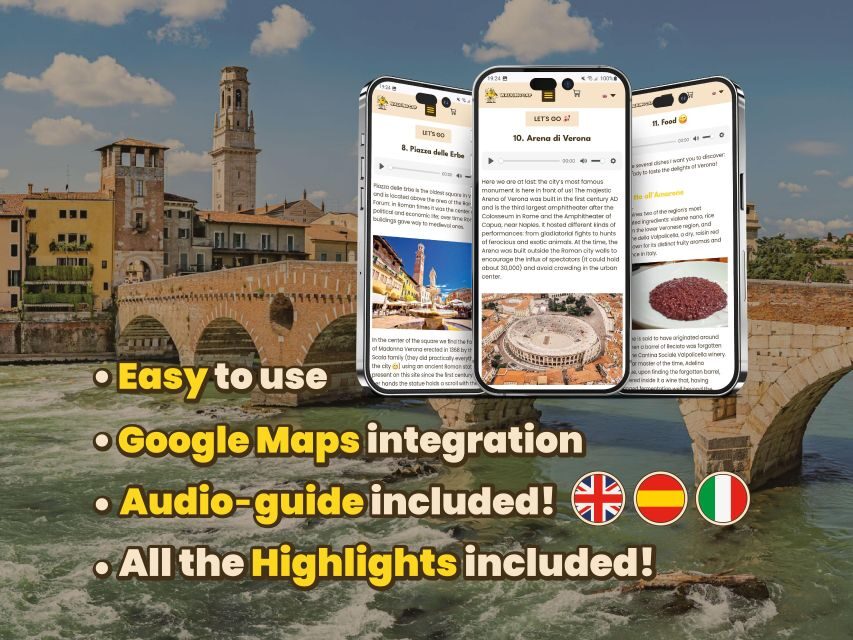
The guide includes an audio component in English, Italian, and Spanish. In day-to-day use, the pacing is friendly: the audio descriptions are typically short, with around a minute per point. That’s long enough to give you context without turning the tour into a lecture.
Another detail I appreciate: the audio isn’t just floating in the background. It’s backed up with the same information in typed form. So if audio cuts out, you can still read your way forward.
That dual format is also good for your attention. Sometimes you’re walking, sometimes you stop for photos, and sometimes you need to orient before you move again. Having both audio and text means you’re not losing the experience when one mode doesn’t work.
If audio does fail, it’s fixable. The guide can be reloaded during the experience, and you can restart the audio at the right moment. It’s not ideal, but it’s manageable.
Potential hiccups: wrong map pins and reloading audio

This is where I’ll be honest with you.
The guide relies on Google Maps links for walking directions. On a couple of occasions, those map links can send you to the wrong place. The Duomo walking-directions link is one example of where this can happen, leading to an unnecessary extra walk back.
So here’s the workaround I’d use: when you tap a map link, don’t blindly follow it. As you start walking, glance at what you’re heading toward. Confirm the destination is what the guide is expecting. It takes seconds and saves you from that “why am I walking the wrong way” spiral.
The other minor issue is technical: sometimes the audio might not play when you first expect it to. In that case, reloading the guide is the fix. The good news is the experience is designed to recover quickly, so this doesn’t usually ruin the whole day.
Who this works best for (and who might not love it)
This Verona digital tour is a great fit if you want:
- a self-guided walking day
- flexibility to linger at monuments or skip parts
- a plan that mixes sights with food recommendations
- an easy navigation setup via Google Maps
It’s also well suited for travelers who enjoy curiosities and stories, not only check-the-box sightseeing. The tone is described as funny and complete, and the content doesn’t feel like it’s copied and pasted in a dry way.
It may be less satisfying if you:
- hate smartphone-based navigation
- need a live person to correct mistakes in real time
- are the type who gets frustrated when tech glitches happen
But if you’re comfortable using your phone as a travel tool, the overall structure is very traveler-friendly.
Should you book this Verona Digital Guide by a Local? My call
Book it if you want a low-cost, high-flexibility Verona day. The $7 price feels like a bargain when you factor in the audio guide, the mapped route, and the food-focused recommendations. You also get a smart use of time: you can do monuments in the order you prefer, and you can spend longer where the city grabs you.
I’d skip it only if you strongly prefer guided tours with a human schedule, or if you know you’ll have spotty internet and unreliable battery life. Since the experience depends on your charged smartphone + internet connection, tech readiness matters.
If you’re an independent walker who likes monuments, small stories, and decent food planning, this is one of the easier “yes” choices for Verona.
FAQ
How long is the walking part?
The tour involves about 4.5 km of walking. It’s described as feasible regardless of athletic training, but you should still wear comfortable shoes.
What do I need to use the digital guide?
You’ll need a charged smartphone and an internet connection.
What languages is the audio guide available in?
The audio guide is available in English, Italian, and Spanish.
Where does the tour start and end?
If you arrive by train, the tour starts at the meeting point it specifies for that arrival. Otherwise, you start at Museo di Castelvecchio. It ends back at the meeting point.
Can I enter the monuments during the tour?
You can freely enter the monuments shown on the route, but entrance fees are not included.
Is it wheelchair accessible?
Yes, the activity is listed as wheelchair accessible.