REVIEW · VERONA
Verona: Interactive map for a self-guided tour.
Book on GetYourGuide →Operated by italybyju · Bookable on GetYourGuide
Verona surprises you when you have a plan. This interactive Verona map is built to help you see the city at your own pace, with 50+ selected places, practical notes, and direct links so you can book what you need before you arrive. I especially like that it’s self-guided, so you’re not stuck waiting for a tour group, and that the map comes with targeted restaurant and activity suggestions instead of generic must-sees only. One drawback: at least one review reports the app works on iPhone but not Android, and another flagged trouble opening or viewing the map and a lack of response by the contact number.
Here’s the core idea: you buy the map once, then you open it and choose your route. After payment, you get an email with access to the digital map, and you can build walking routes using Google Maps, without a meeting point or tour guide shadowing your day. If you’re the type who wants Verona ready in your pocket, this can be a smart value play.
In This Review
- Key points before you buy
- Why this Verona interactive map feels different from a basic guide
- What you get for $15: 50+ places and a ready-to-use route builder
- How you’ll use it in real life (not just on paper)
- Iconic sights and local meals: how the map helps you pace Verona
- Hidden secrets without the guesswork
- Using the map’s links for tickets and reservations (the smart way)
- Device reality check: mobile app access and mixed feedback
- Accessibility: wheelchair access is listed, but plan for streets
- Who this Verona self-guided map is best for
- Price and value: when $15 makes sense
- Tips for getting the best day from the map
- Should you book the Verona interactive map?
- FAQ
- Is this Verona experience self-guided?
- How many locations are included?
- Does it include tickets or reservations?
- How do I access the map after purchase?
- Is there a meeting point?
- Is the map wheelchair accessible?
Key points before you buy

- 50+ selected locations covering iconic sights, cozy places to eat, and activities you can fit into real time.
- Booking links baked in, aimed at specific reservation and ticket purchase sites to reduce guesswork.
- Follow-your-own-route freedom with no meeting point and no guide required.
- 30-day access window, so you can spread your visiting days out without rushing.
- Device and support hiccups are possible, based on mixed feedback about access on different phones.
Why this Verona interactive map feels different from a basic guide
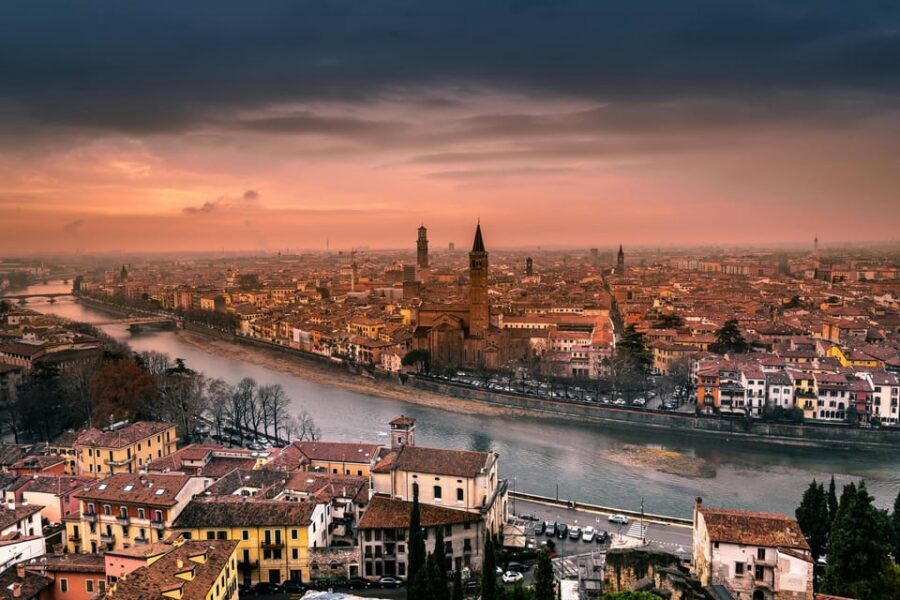
Most travel guides tell you what exists. This map tries to help you decide—fast. Instead of spending your morning comparing sites, you’re given a set of locations you can immediately plug into a walking plan.
You also get a “planning layer,” not just sightseeing. The map includes practical information and links for reservations and ticket purchases, so you can move from idea to booking without hopping across ten tabs.
The biggest win for you is time. If your Verona schedule is tight, you won’t burn hours hunting for the best ticket link, a reliable booking page, or a good meal stop near what you’re already doing.
You can also read our reviews of more guided tours in Verona


What you get for $15: 50+ places and a ready-to-use route builder

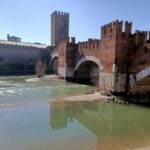
At $15 per person, you’re not buying a tour. You’re buying a month-long tool that helps you organize your days around more than 50 carefully selected places.
That matters because the map is designed for independent pacing. You can pick one stop, then another, then build a route with Google Maps. If you like to linger, you do. If you’re an early bird, you start early. You’re not negotiating timing with anyone else.
The “50+” part is also key for value. A map like this works best when it gives you options—iconic sights when you want them, restaurants when you’re hungry, and activities when you’re ready for something beyond the big photo spots.
And yes, you should still book tickets or tours in advance when the map suggests it. The product is self-guided, so the responsibility is on you once you pick what you want to do.
How you’ll use it in real life (not just on paper)
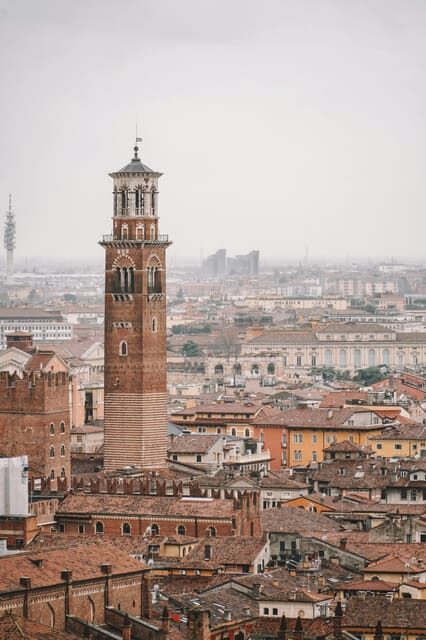
After you purchase, you’ll receive an email with purchase confirmation plus the link to access the digital map. From there, you open it and choose what to do, building your route step by step.
This is the practical workflow I’d recommend:
- Start by choosing 2 to 4 stops for the day, mixing an iconic sight with at least one meal or activity.
- Use the map’s notes to understand what you’re seeing before you arrive.
- Use the map points with Google Maps to stitch together a walkable path.
The map’s links are meant to reduce friction. Instead of searching for the official ticket seller, the map directs you to specific sites for reservation or ticket purchases.
That also means the map saves you from a common mistake: showing up for a ticketed place without the right purchase in place. Since the map tells you to remember to book what you need or buy tickets in advance, you avoid that last-minute scramble.
Iconic sights and local meals: how the map helps you pace Verona
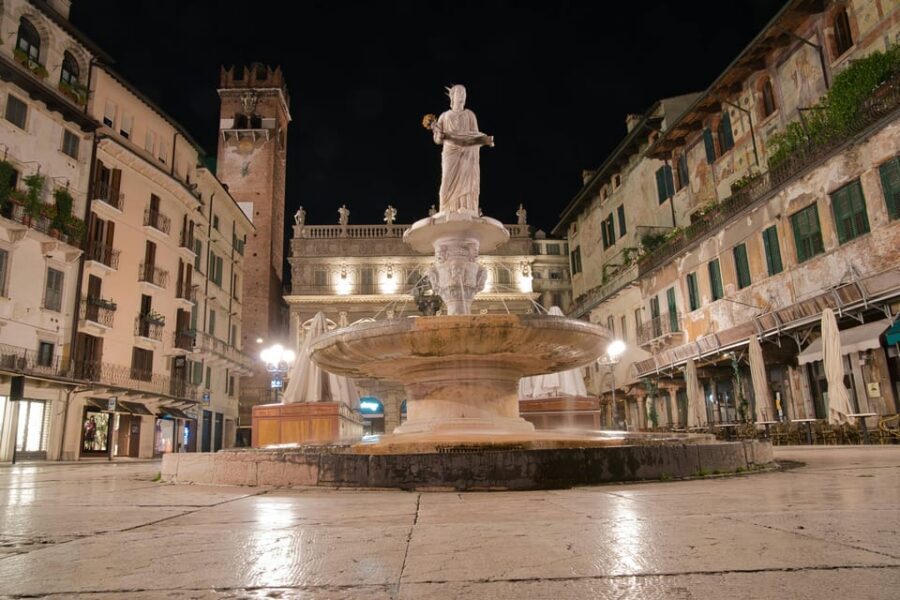
Your Verona day can fall apart if you plan only the big stops. One day becomes a photo sprint, and the rest of the city feels like filler. This map tries to prevent that by pairing famous locations with cozy restaurant suggestions and different activities.
Think of it as a built-in rhythm:
- Big attraction for the morning or early afternoon
- A restaurant stop when you’re actually hungry
- An activity or quieter secret spot later, when crowds tend to shift
Even without a guide, you still benefit from “connoisseur-style” tips inside the map—personalized insights meant to help you explore with confidence. That confidence is what turns a self-guided day from chaotic to calm.
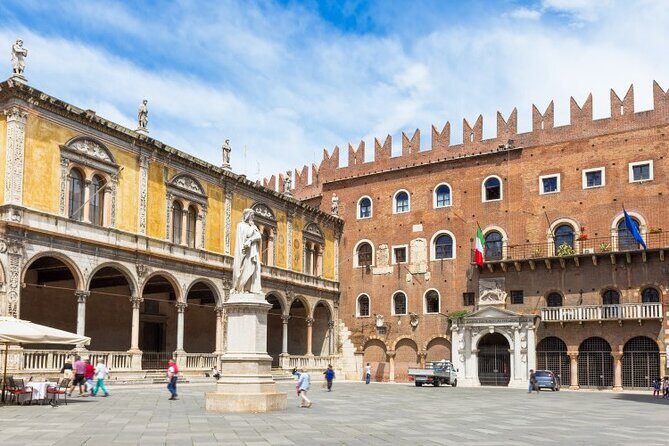
You’ll also appreciate that the map connects emblematic sites with lesser-known corners. That’s how you get the Verona feel—more than just landmarks lined up like a checklist.
Hidden secrets without the guesswork
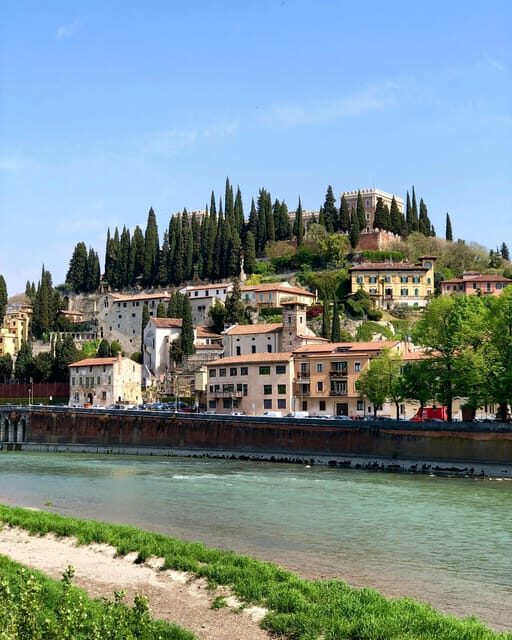
Verona has plenty to offer beyond the headline sights. This map explicitly aims to connect the most emblematic places with hidden secrets, which is exactly what you want when you don’t want to spend your trip chasing vague recommendations.
Here’s why that approach is useful to you: without a guide, you often don’t know which detours are worth it. The map’s selection tries to pre-filter the city so your time goes to places the route actually benefits from.
It’s also a better way to travel with family or friends. If everyone has different interests—architecture, photos, food, slower wandering—you can each choose from a list of supported options rather than arguing about where to go next.
Just remember: it’s still up to you to follow your chosen route and manage timing, especially for ticketed sights.
You can also read our reviews of more tours and experiences in Verona





Using the map’s links for tickets and reservations (the smart way)
A self-guided day lives or dies by booking decisions. If you’re doing anything that requires a ticket, a timed entry, or a reservation, the map includes links that direct you to reliable booking sites.
This is one of the biggest practical advantages. You’re not starting from zero. You’re clicking a link chosen for you, then confirming details for your visit.
Two important notes:
- The map does not include a tour guide, so you’re responsible for any private tours or separate activities you book through partner links.
- If you buy something through the map links, you should contact the supplier if questions come up about reservations or activities.
If you like to travel light and keep control of your schedule, this structure is a good fit. It’s also a nice option when you don’t want to wait around for a group’s itinerary.
Device reality check: mobile app access and mixed feedback
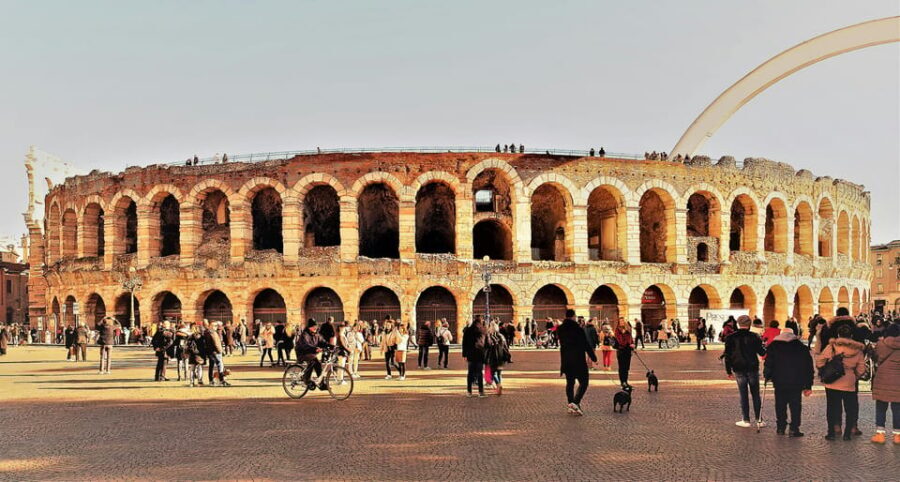
This product is presented with a mobile app, which is great in theory. In practice, access depends on your device.
One review reported that the app works only on iPhone and not on Android. Another reported they couldn’t open or view the map and that the contact number didn’t respond.
I wouldn’t ignore this. Before you buy, think about how you’ll actually use it on the go:
- Will you rely on your phone’s app?
- Do you have a backup device you can use if your primary one fails?
- Are you comfortable with digital access before you leave your hotel?
If you’re the kind of traveler who hates last-minute tech problems, factor this in. A digital map is convenient only if you can access it reliably.
Accessibility: wheelchair access is listed, but plan for streets
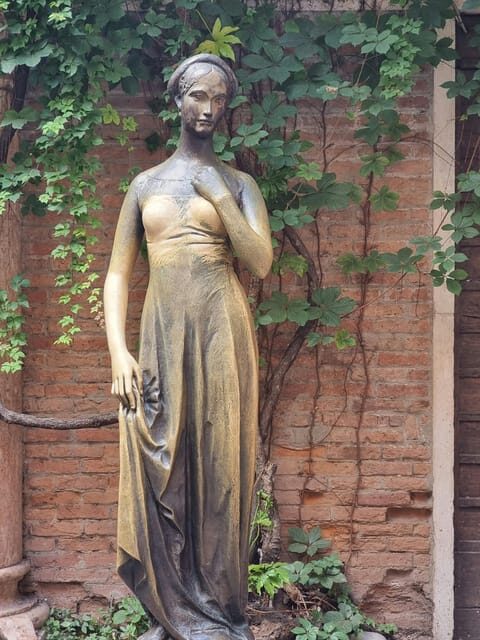
The map is listed as wheelchair accessible, which is a helpful baseline if mobility matters for you.
That said, Verona’s streets can involve uneven paving and changing sidewalk widths. Since the product is an interactive map and not a guided routing service, you’ll still want to use the map points with Google Maps to sanity-check your route for day-of conditions.
The good news: because you’re self-guided, you can change your plan immediately if a section is tougher than expected. A guide can help too—but here, the whole point is that you control the day.
Who this Verona self-guided map is best for
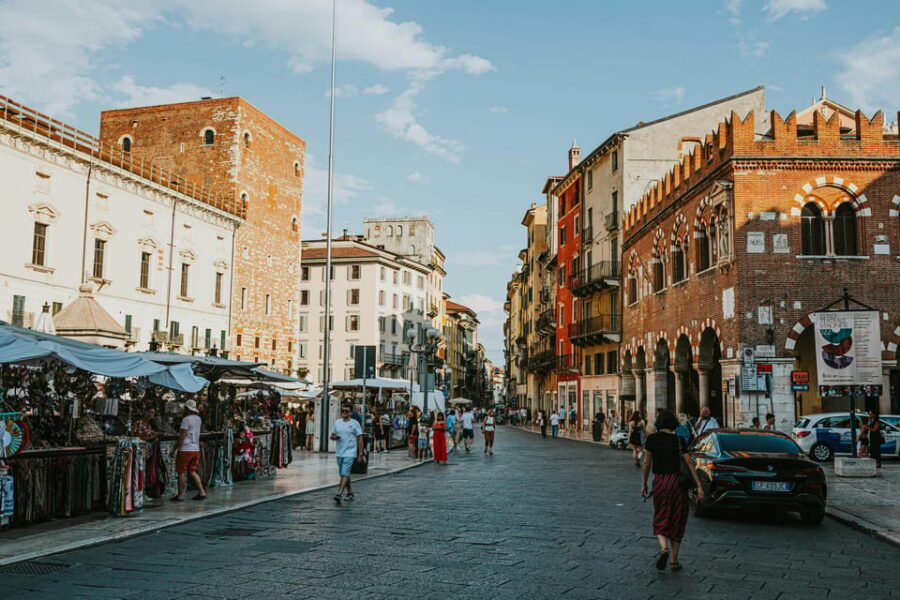
This experience fits you best if you want independence without total guesswork. The map is built for people who can handle making choices, booking tickets, and moving on when they’re done with a place.
It also works well if:
- You prefer planning but hate hours of research.
- You want a curated set of options, not a blank slate.
- You’re traveling with family or friends who need flexibility.
- You like to explore at your own pace rather than following a group.
If you want a human guide to explain history on the spot, this is not that. The map does not include a tour guide or professional for private tours.
Price and value: when $15 makes sense
$15 per person is low compared to typical guided tours and even many single-day experiences. The real question is whether the map saves you enough effort and improves your decisions.
Here’s when the value usually clicks:
- You’re going to visit multiple sites across several days within the 30-day access window.
- You plan to book tickets or reservations instead of improvising.
- You want restaurant and activity suggestions that reduce decision fatigue.
If you only plan to see a couple of places, or you already have everything planned down to the minute, the map might feel less necessary. On the other hand, if you want to keep your trip flexible while still staying organized, this kind of map is exactly the “buy once, use repeatedly” tool you’re looking for.
Tips for getting the best day from the map
To get more out of it, treat the map like a menu, not a schedule.
A simple strategy:
- Choose one anchor sight early (the main reason you leave your hotel).
- Pick one extra stop nearby from the map suggestions.
- Plan your next move before you get tired—so you’re not searching while hungry.
Also, be intentional with booking. If the map links you to tickets or reservation options, take that as a nudge to lock in what needs to be locked in.
Finally, give yourself margin. You’re self-guided. If you love a spot, you can extend your time without asking anyone for permission.
Should you book the Verona interactive map?
I’d book it if you want 50+ curated options plus booking links, and you’re comfortable traveling independently. For $15 with 30-day access, it can be a practical way to avoid the planning scramble and still feel like your trip has a backbone.
I’d hesitate if you rely on Android and you’re worried about app compatibility, or if you know you’ll be stuck without a backup device. The mixed feedback about accessing and viewing the map is the main reason to pause.
If you do buy, I’d test access soon after purchase using the email link—before you’re out sightseeing and stressed. That small step can save you a day.
FAQ
Is this Verona experience self-guided?
Yes. It’s an interactive digital map meant for independent travel, with suggested points and routes you can use without a tour guide.
How many locations are included?
The map includes suggestions for more than 50 selected locations, including iconic sights, restaurants, and activities.
Does it include tickets or reservations?
No. Tickets and reservations are not included. The map provides links to booking or ticket purchase sites so you can book what you need yourself.
How do I access the map after purchase?
After you pay, you receive an email with purchase confirmation and a link to access the digital map.
Is there a meeting point?
No. Since there is no tour guide included, there is no meeting point.
Is the map wheelchair accessible?
Wheelchair accessibility is listed for the experience.